Aya AI
Information about Aya's AI features.
Accessing the AI Chatbot
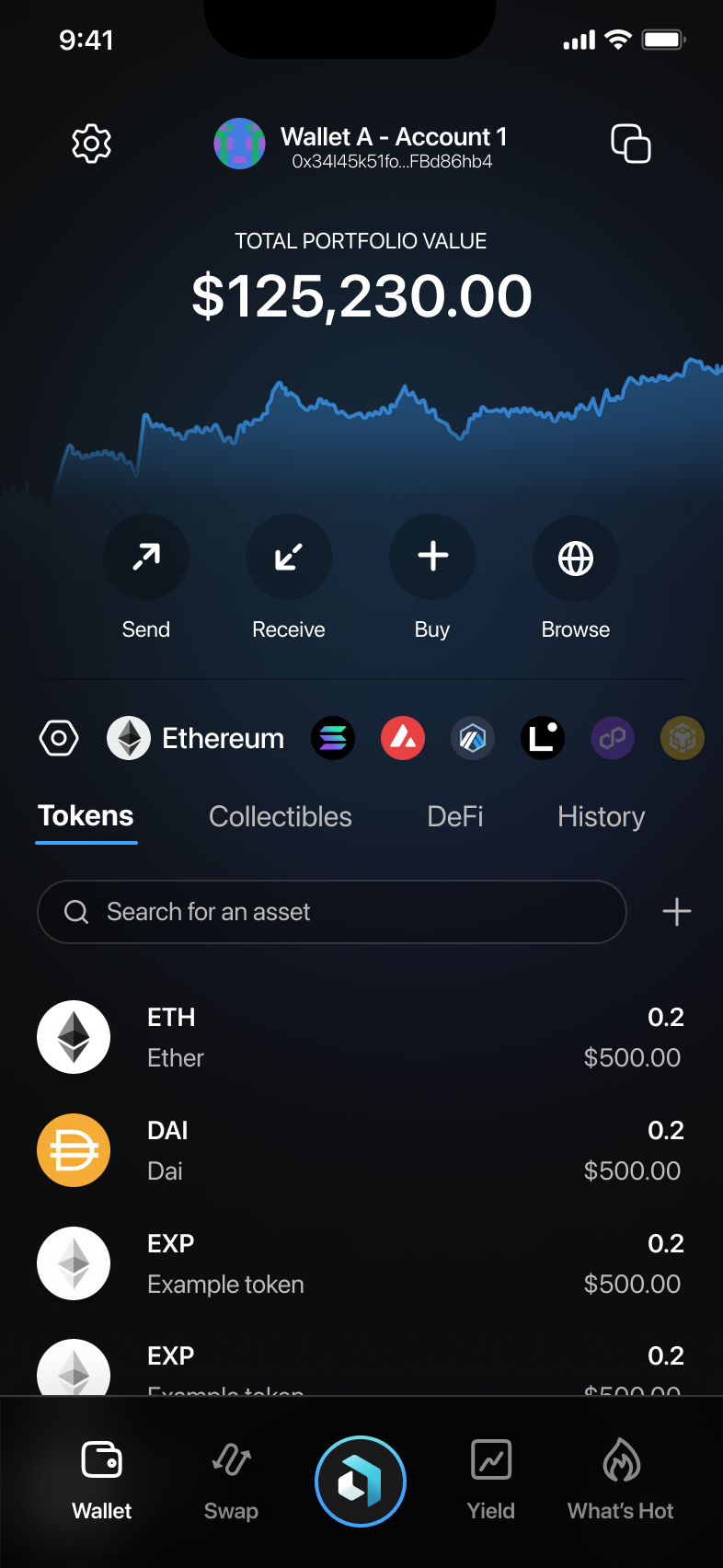
- From the Wallet main view, tap the Aya AI Chat icon at the bottom of the screen.
- The AI chatbot interface will open, greeting you and prompting you for your request.
Interacting with Aya AI
Submitting Queries
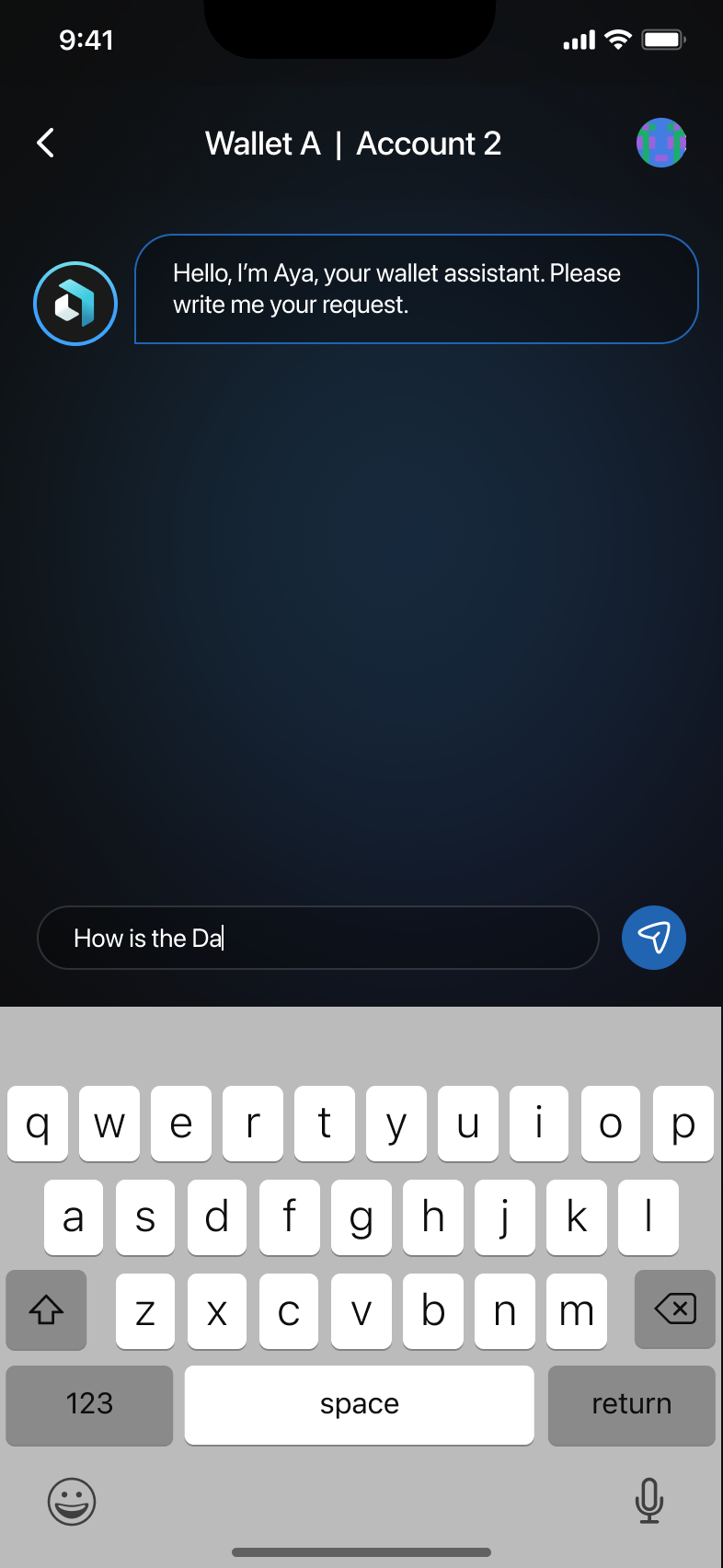
Type your request in the chat input box at the bottom and tap send.
Example Queries and Interactions
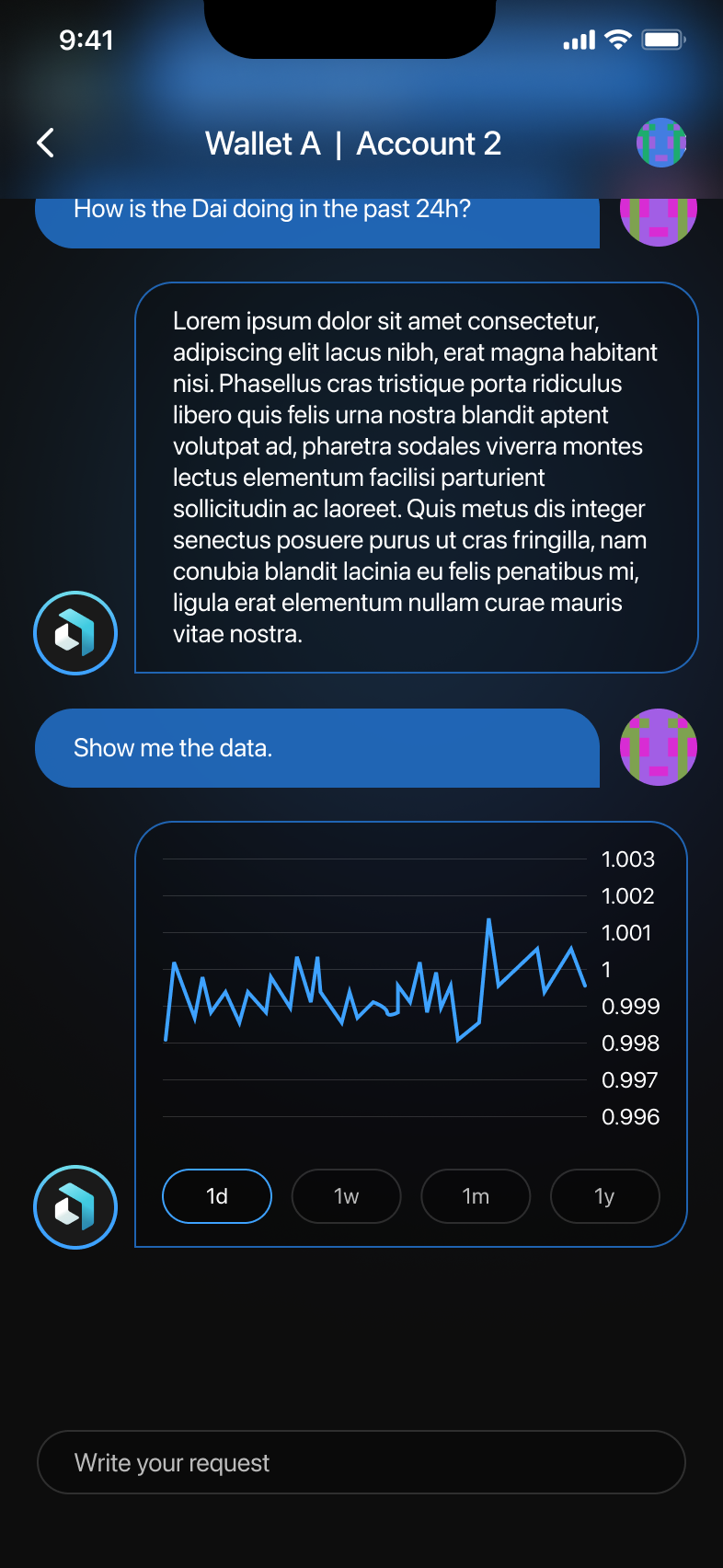
- Requesting token information: Example: How is DAI performing in the past 24 hours? — Aya AI will fetch and display relevant information.
- Requesting detailed data: Follow up with Show me the data and Aya AI will present detailed charts and information.
Aya AI Capabilities
- Fetching news and updates: Request news on specific tokens or general market updates.
- Executing actions: Aya AI can assist interacting with DeFi protocols and help execute actions directly from chat (review actions carefully before confirming).
Notes
Always review information and actions carefully before confirming transactions or requests via Aya AI.
These suggestions are provided for informational purposes only and should not be construed as financial advice.