Multichain Swap
Follow this guide to perform seamless token swaps across chains using Aya.
1. Accessing the Swap Screen
- Navigate to the main navigation bar and select Swap.
- You will see the swap screen displaying the current tokens available for swapping.

2. Setting up a Swap
Choosing Tokens
- Tap the little arrow down at the Swap From field to choose the token you wish to swap from.
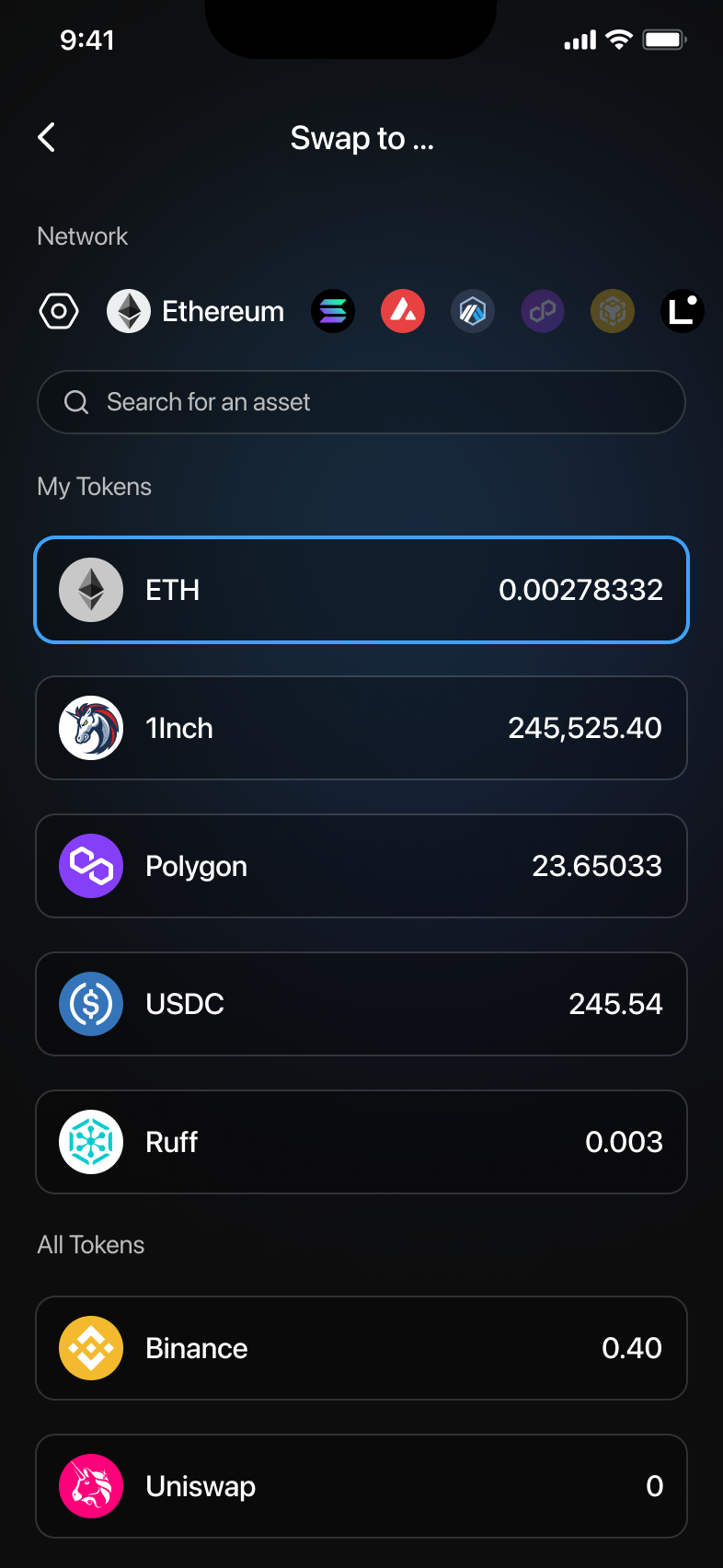
- Tap the little arrow down at the To field to choose the token you want to receive.
3. Advanced Swap Settings
Customizing Swap
- Tap Advanced Settings at the bottom of the swap screen.
- Adjust destination account, exchange rates, gas fees (Slow, Regular, Fast), and slippage tolerance. After setting preferences, confirm your changes.

Selecting Destination Wallet
In advanced settings, tap Destination and choose your preferred wallet or account from the list.

4. Choosing a Network or Chain
- Tap the current network indicator (e.g., Ethereum) to select a different chain.
- Choose from available networks or add one manually by tapping Add a chain manually and input the chain details.
- You can also adjust RPC settings by tapping the RPC icon next to the network.

5. Performing a Swap
- After configuring the swap details, slide the Slide to Swap button to initiate the swap.
- A confirmation will appear if successful.
- If you have insufficient funds, you'll receive an error prompting you to adjust the details or fund your wallet.

6. Troubleshooting and Notes
- Ensure you have sufficient funds and network fees.
- Review your swap settings carefully before confirming.
- After a successful swap, your transaction details are available in the transaction history.
For more help, access the in-app support.