GMX
Trading Cryptocurrencies
Accessing Trade Feature
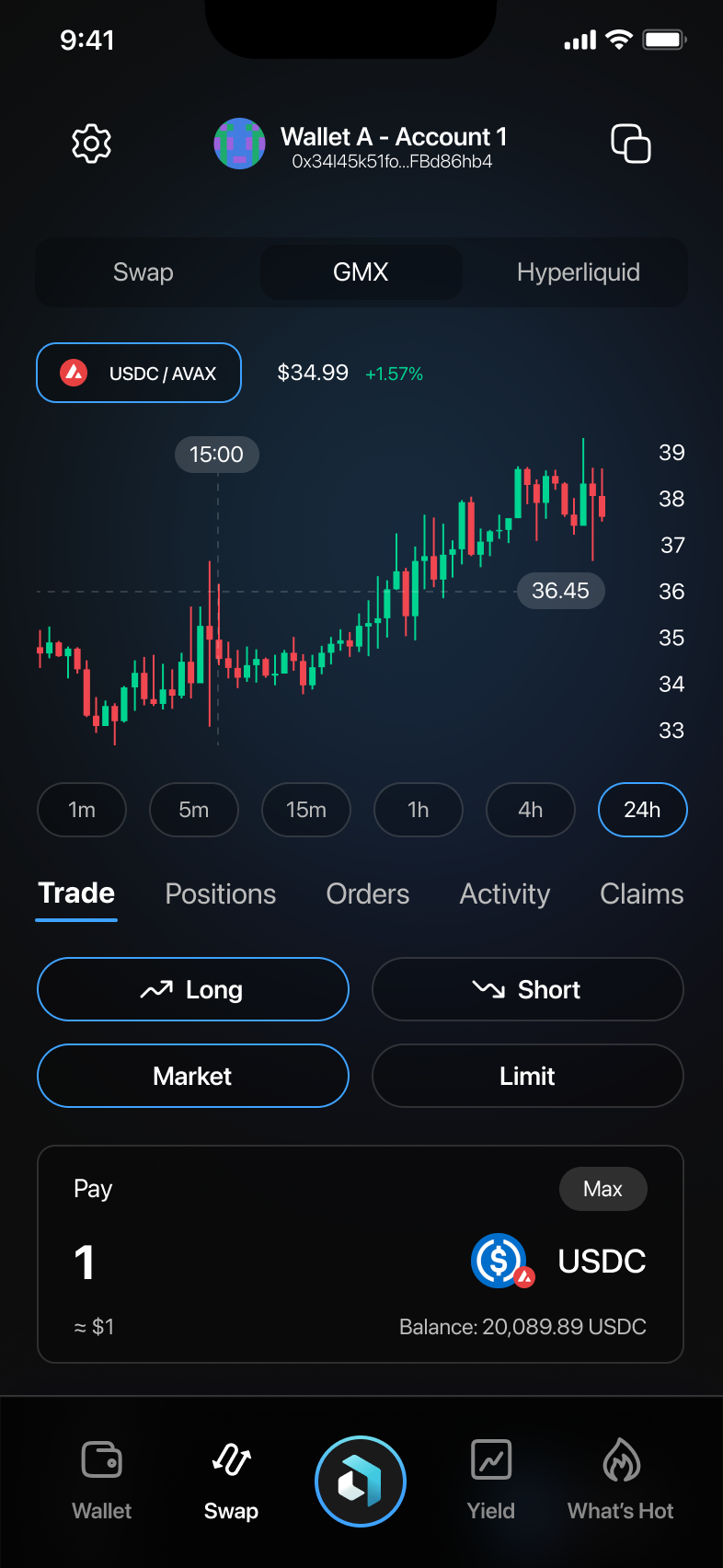
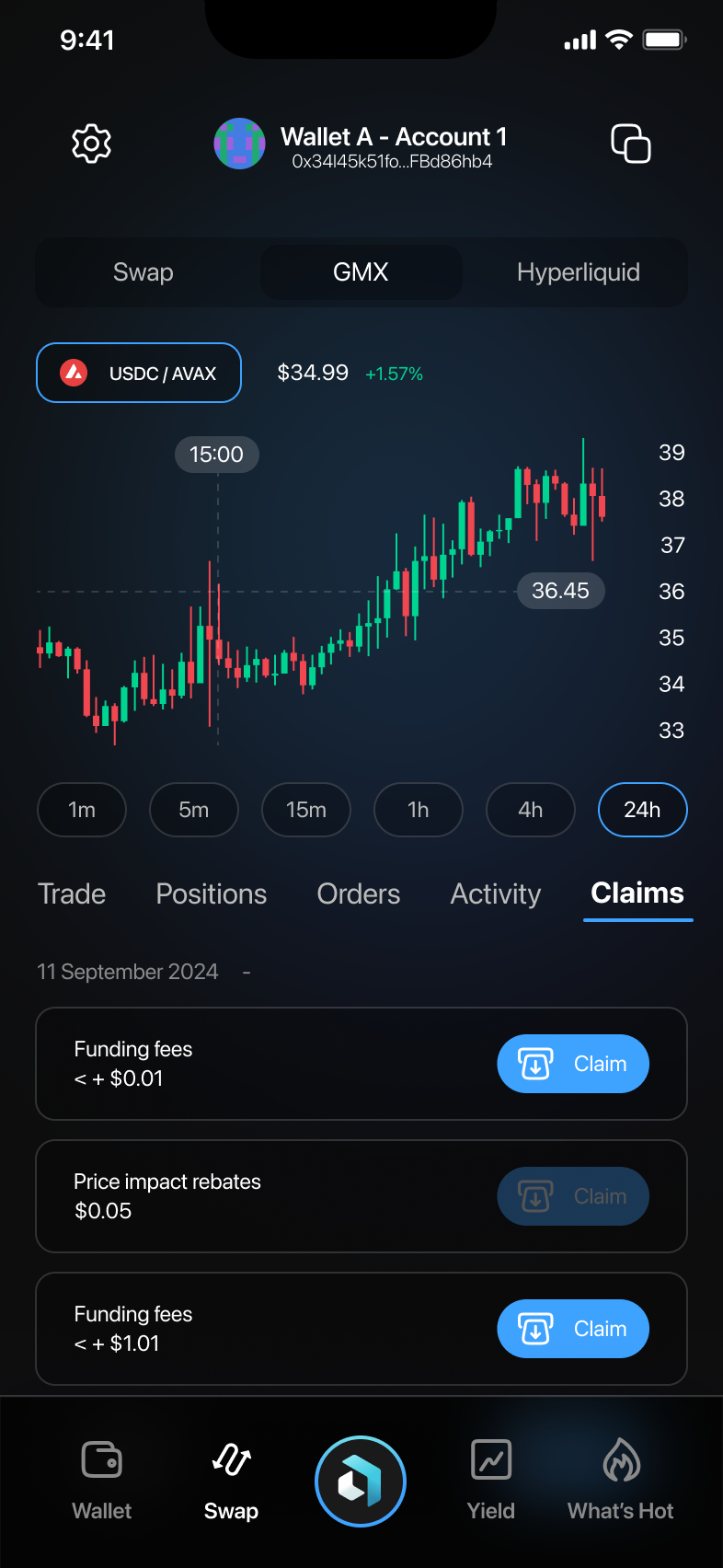
- Select the "Swap" tab and then tap on the "GMX" or similar trading protocol tab.
- Choose either a "Long" (buy) or "Short" (sell) position.
- Select your trade type: "Market" for immediate execution or "Limit" for a specified price.
- Enter the amount of cryptocurrency to trade and confirm.
2. Managing Positions
Viewing Open Positions
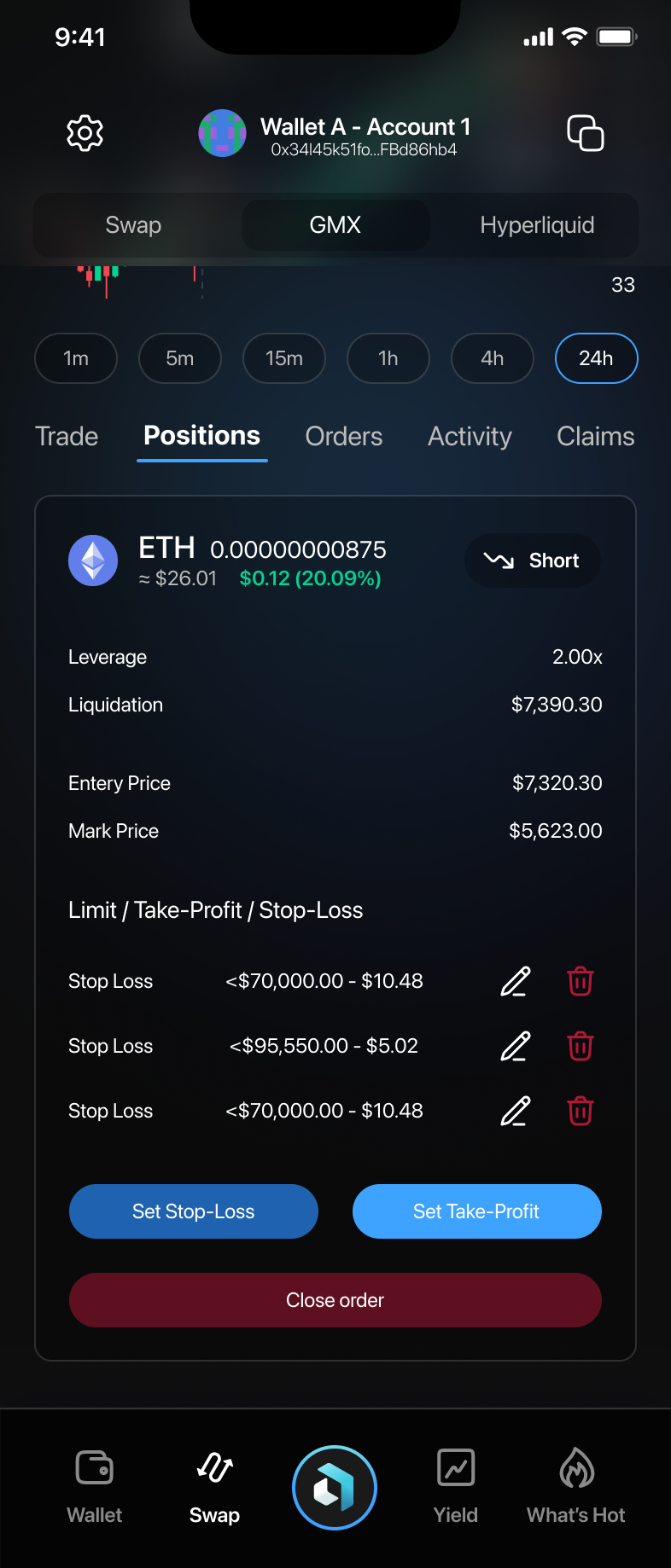
- Navigate to the "Positions" tab to see all your open positions.
- View key details such as leverage, liquidation price, entry price, and current market price.
Adjusting Positions
- Set or adjust your Stop-Loss or Take-Profit by tapping respective buttons.
- You can close your position by tapping "Close order" and confirming.
3. Managing Orders
Viewing and Editing Orders
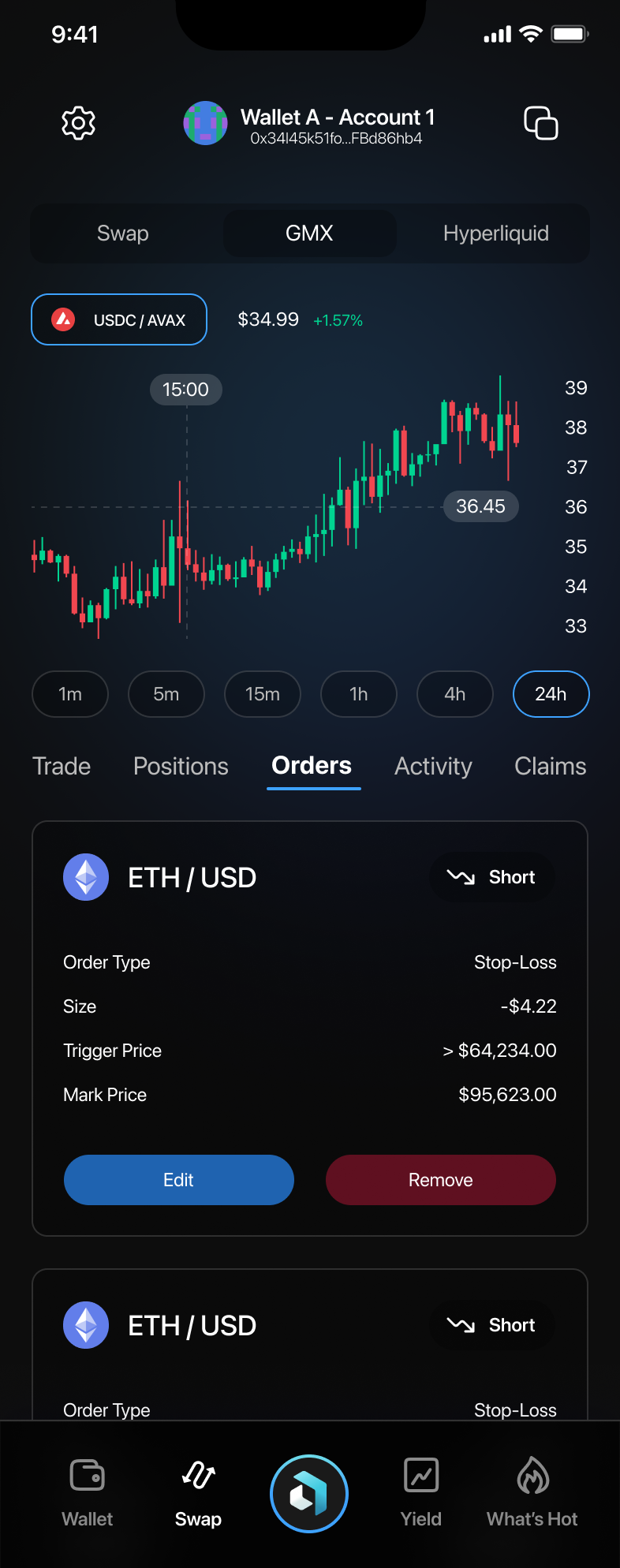
- Tap the "Orders" tab to review your pending orders.
- Select "Edit" to change details like price or amount.
- To cancel, tap "Remove" and confirm your action.
4. Reviewing Activity
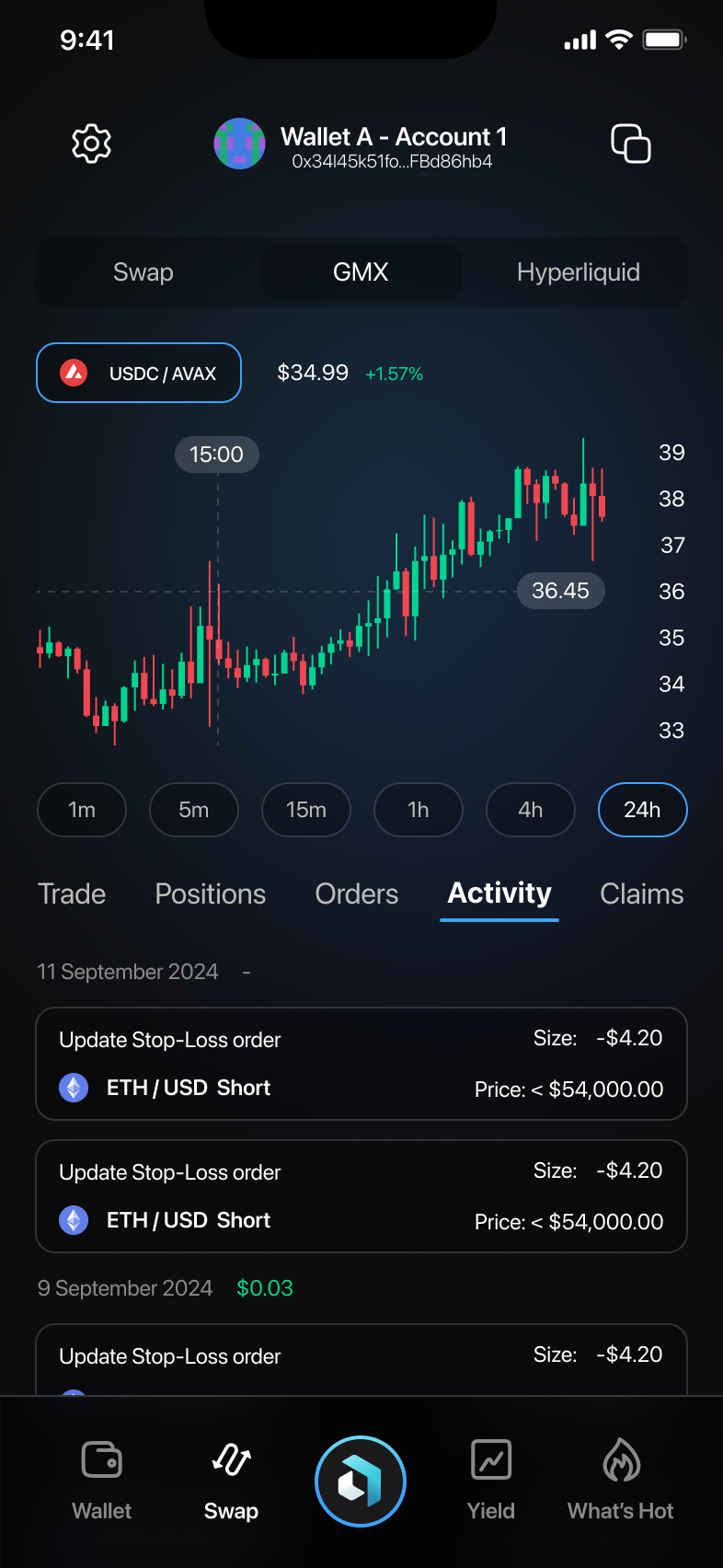
Go to the "Activity" tab to track all your recent trading actions. Here you can monitor updates and see details of each trade clearly listed.
5. Claiming Rewards
Navigate to the "Claims" tab to find any available rewards or rebates. Tap "Claim" next to eligible items to collect your rewards.
Final Notes and Tips
- Always double-check the trade type and position details before confirming.
- Regularly monitor your positions and orders to manage risks effectively.
- Ensure timely claiming of your earned rewards.