Onboard on Aya by creating or import your wallet
Onboarding by creating a wallet
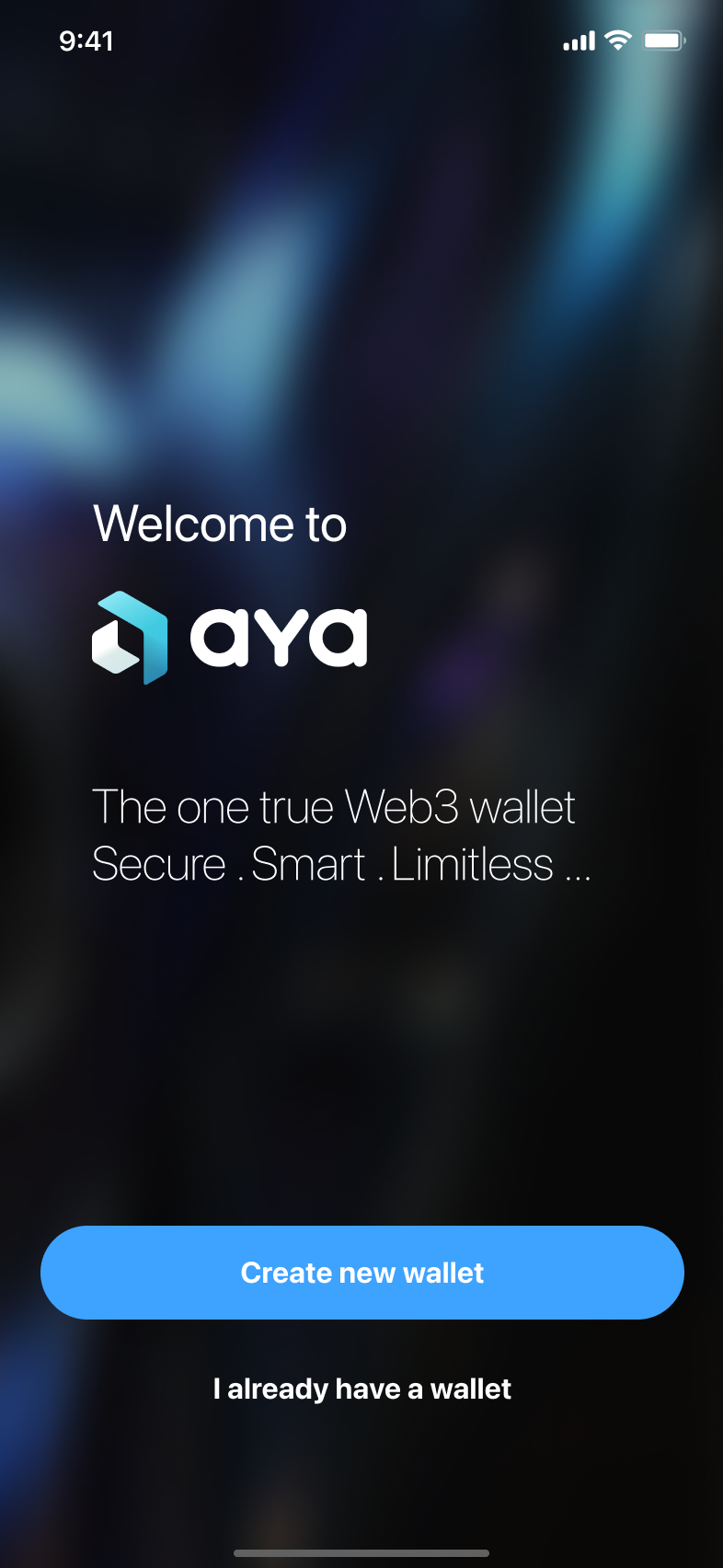
When you start the Aya app after downloading it you can create a new wallet. If you already created a new wallet or imported one go to Add a new Wallet.
Click "Create Wallet" to get started. Wait for some time until your new wallet is set up.

There will be a follow up explaining some basic functions of the app.
Onboard by importing a wallet
If you already created a new wallet and want to add an existing wallet check out Add a new wallet.
When you start the Aya app after downloading it you press on "I already have a wallet".
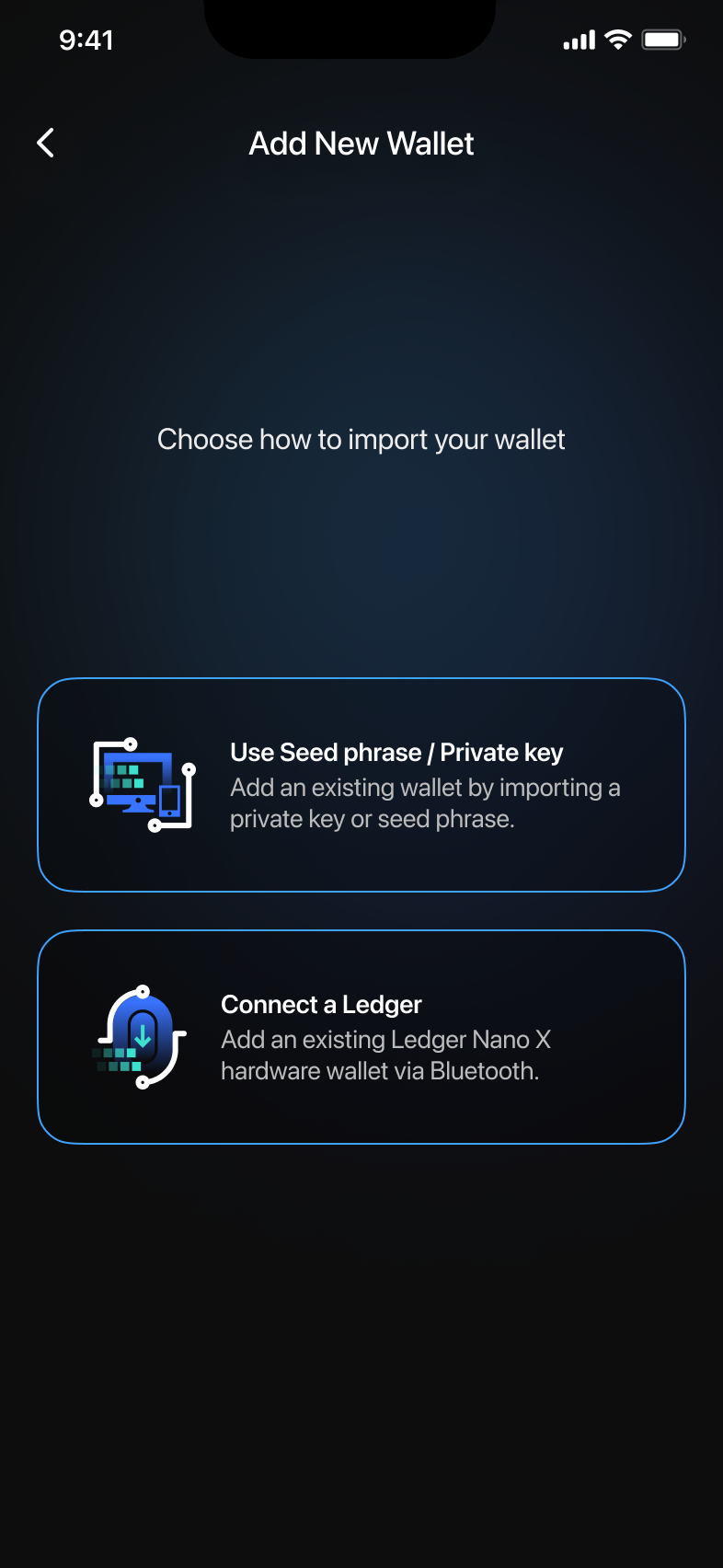
Importing a seed phrase or private key
Press on the first option to import your seed phrase or private key. Follow the instructions and your screen after entering it should look similar to this.
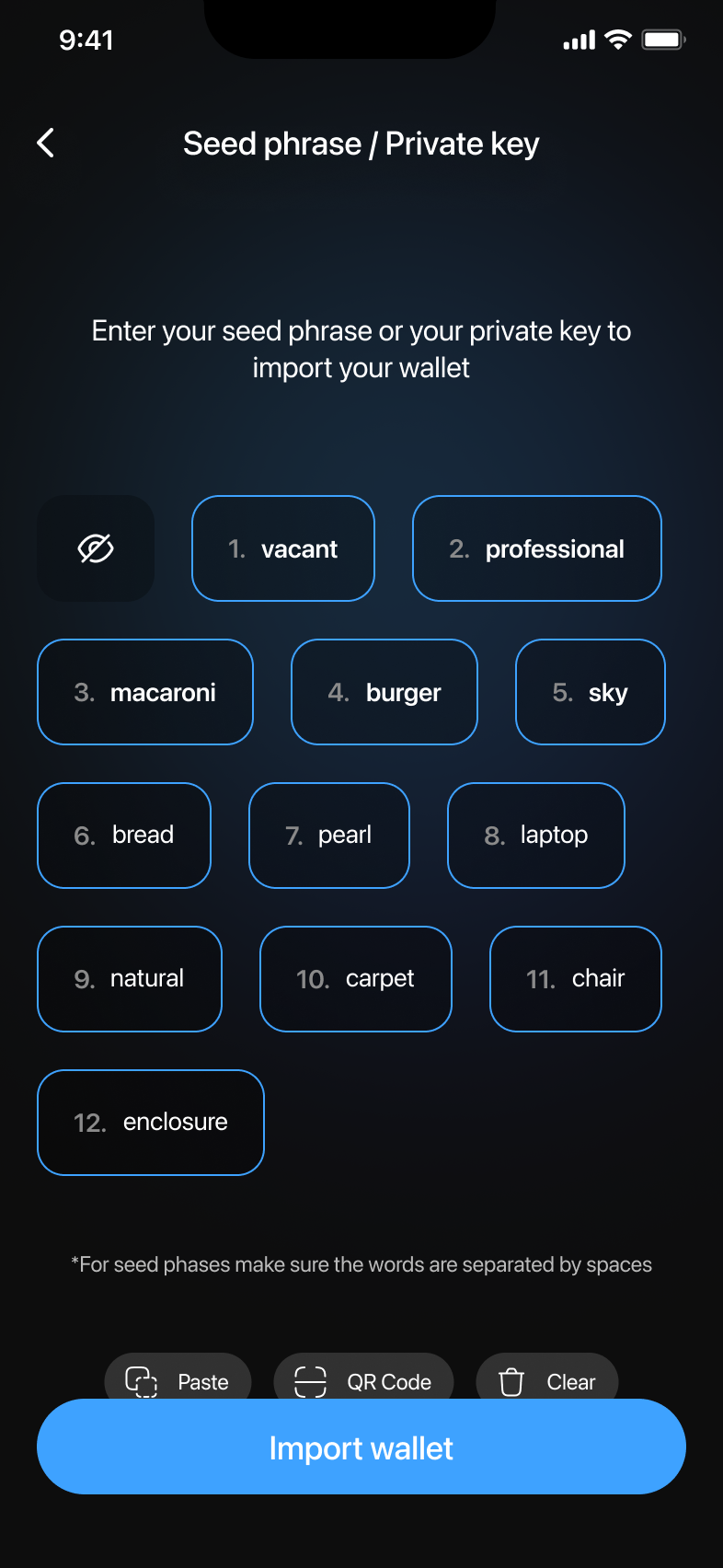
Press "Import Wallet" to finish the process. Congrats on importing your wallet!
Import your wallet by connecting to a Ledger
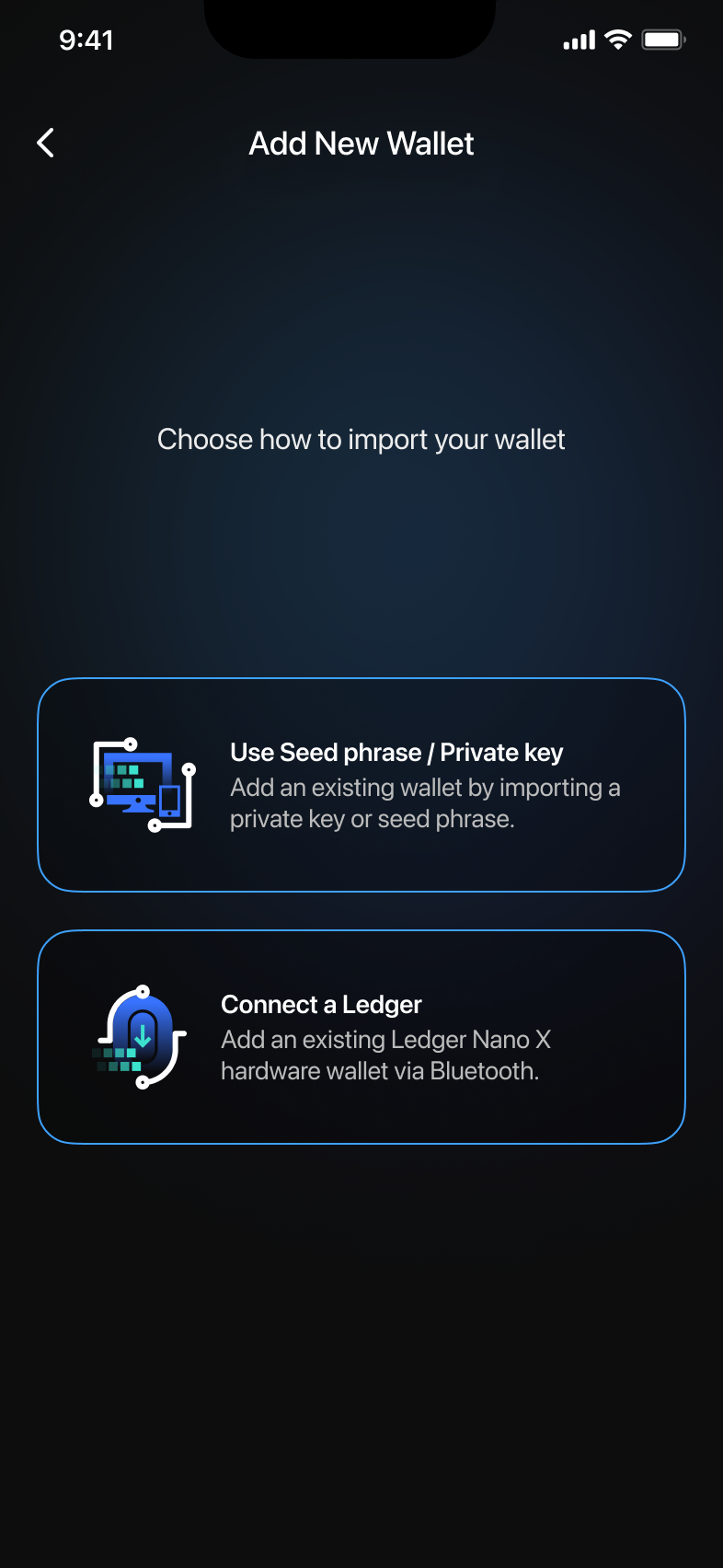
Press on "Connect a Ledger" and follow the instructions. Make sure to connect your Ledger first via Bluetooth to your phone before you proceed in the Aya app.