Add a new or existing wallet
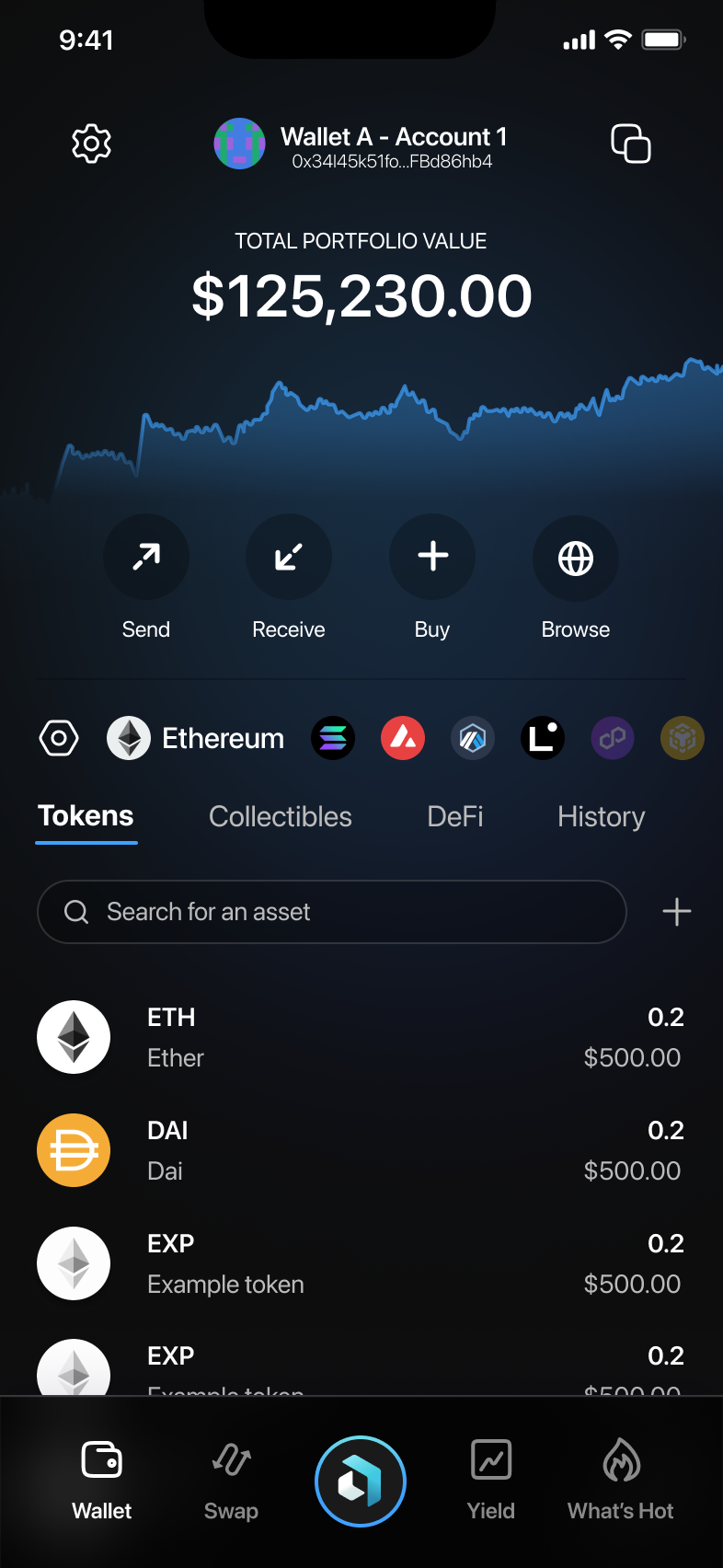
Click on the picture beside the wallet address and the wallet name (in this case "Wallet A").
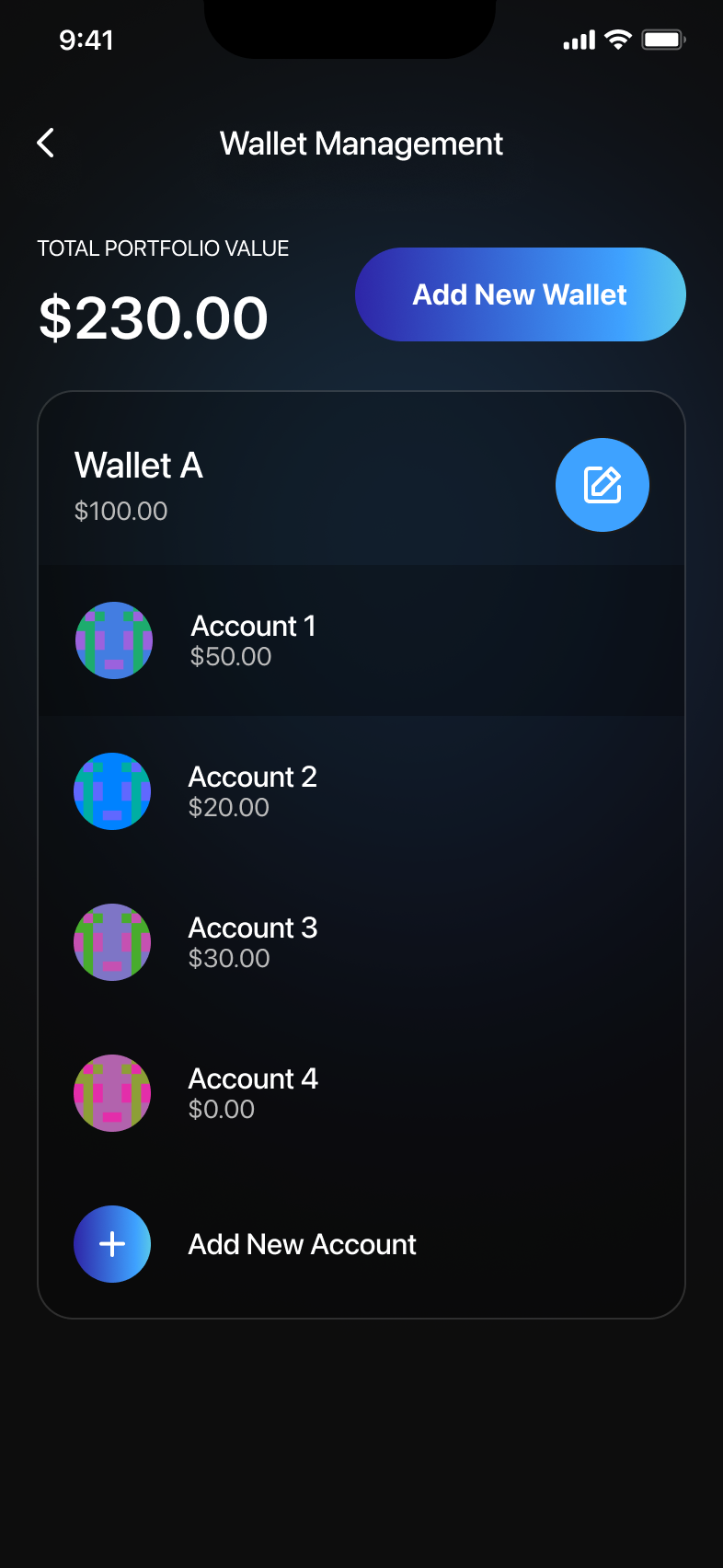
- Here, you will see a list of all available wallets.
- To add a new wallet, tap on Add New Wallet.
Create a New Wallet
- Select "Create New Wallet".
- A loading screen will appear while the wallet is being created.
- Once completed, the wallet will be added to your list.
Import an Existing Wallet
- Choose Import Wallet.
- Select an import method:
- Seed Phrase: Enter the 12- or 24-word seed phrase.
- Private Key: Enter your private key.
- Cloud Backup: If supported, restore from a backup.
- Hardware Wallet: Connect a Ledger or similar device.
- After entering the required information, tap Import Wallet.
- A loading screen will appear while the wallet is imported.
- Once completed, you will see the new wallet in the list.